Gang Sheet Builder!
Description
Custom DTF Gang Sheet Builder
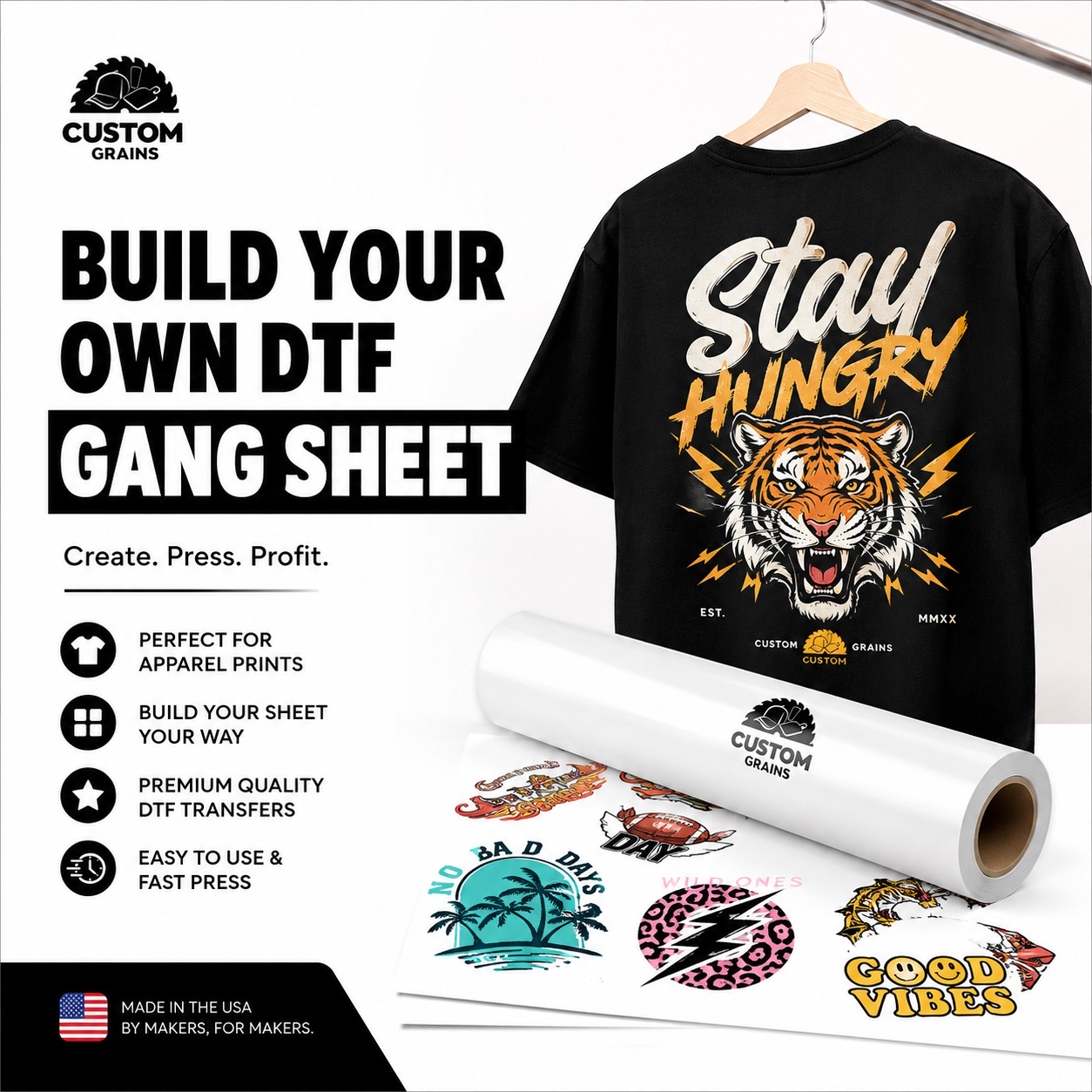
Create fully customized, print-ready gang sheets with ease. Our intuitive builder gives you complete control over artwork placement, sizing, and layout, helping you organize multiple designs on a single sheet for a faster and more efficient production process.
⸻
Printing Specifications
Designed for high-quality, large-format DTF printing with vibrant colors and precise detail.
Maximum Width: 22 inches
Maximum Length: 288 inches
Need a custom size beyond our standard limits?
Contact our support team to discuss personalized printing solutions.
Achieving Premium Print Quality
Great prints start with great files.
To ensure vibrant colors, sharp details, and professional results, please follow these artwork guidelines.
Recommended File Formats
For the best print accuracy, upload your artwork as:
PDF (recommended for highest color quality)
PNG (high-resolution only)
We strongly recommend using PDF format for optimal color consistency and clarity.
Resolution Requirements
To achieve crisp, clean, and professional-quality prints:
Minimum resolution: 300 DPI
Low-resolution files may appear blurry or pixelated when printed.
Advanced Color Printing
Our professional 9-color printing system delivers exceptional color depth and precision using:
Cyan • Magenta • Yellow • Black • Red • Orange • Green • Blue • White
This advanced technology allows us to reproduce over 550,000 vibrant colors, ensuring rich tones, smooth gradients, and stunning detail in every design.
Artwork & Order Policy
To ensure the best possible print results and a smooth production process, please review the following guidelines before placing your order.
Artwork Responsibility
Customers are responsible for submitting print-ready artwork that meets our quality requirements.
Files that are low-resolution, improperly formatted, or poorly prepared may affect the final print quality.
Print Quality & Reprints
We cannot offer refunds or reprints for issues caused by customer-submitted artwork files.
However, if a production issue occurs due to our printing equipment or manufacturing process, we will gladly provide a reprint.
Before You Submit Your Order
Please carefully review your gang sheet for:
Correct sizing
Proper artwork placement
Accurate colors
Overall layout quality
To maintain fast turnaround times, we are unable to edit, resize, or modify submitted files after the order has been placed.
Recommended for Best Results
For optimal print quality, we recommend:
High-resolution artwork
Minimum 300 DPI
PDF format preferred
Transparent backgrounds when needed
This helps ensure vibrant colors, sharp detail, and professional final prints.
Production Timeline
We’re committed to fast, reliable turnaround times so your orders move smoothly from upload to production.
Same-Day Production
Orders submitted and approved before 12:00 PM CST may qualify for same-day printing and shipping.
Production timing may vary depending on order volume and sheet quantity.
Next-Day Shipping
Orders placed after the daily cutoff time will enter production the following business day and ship once completed.
Business Hours
Our production team operates:
Monday – Friday
Excluding major federal holidays
Fast & Efficient Workflow
Our streamlined production process is designed to provide:
Quick turnaround times
Consistent print quality
Reliable order processing
Professional production standards
This ensures your gang sheets are printed accurately and delivered as efficiently as possible.
Heat Press Application Guide
Follow these simple steps for a smooth, durable, and professional DTF transfer application.
Step 1 — Pre-Press the Garment
Before applying the transfer, press the garment for 5–10 seconds to remove moisture and flatten the fabric surface.
This helps improve adhesion and overall print quality.
Step 2 — Position & Apply Transfer
Place the DTF transfer onto the garment in the desired position.
Using a heat press set between 265–280°F, apply:
Medium to firm pressure
Press time: 15 seconds
Settings may vary depending on your heat press and platen type.
Step 3 — Peel the Film
Carefully and quickly remove the carrier film from the transfer.
For best results, peel the film in one smooth motion — similar to removing a bandage.
The design should now be fully adhered to the garment.
Step 4 — Final Press
Cover the design with a protective sheet and press again for an additional 10–15 seconds.
This final press helps:
Cure the ink
Improve durability
Enhance long-term adhesion
Create a smoother finish
Pro Tip
For the best long-lasting results:
Use even pressure
Avoid overheating
Allow the garment to cool before folding or packaging
Enjoy vibrant, professional-quality DTF prints built to last.
Support & Inquiries
Should you have any questions or require assistance, please do not hesitate to contact our dedicated support team.
-
Phone: (651) 380-6261
-
Email: info@customgrainsmn.com
This product is rated 5.0 of 5.0 stars.
It has received 6 reviews.
You may also like